


Artistic codes · zplCore barcode engine
QR codes and barcodes with design. Readability checked.
Put your logo or a picture into a QR code, give the modules a shape, let a skyline grow out of an EAN-13 – and see right away whether every scanner still reads it. Colour for print and screen, black and white for thermal printers.
Learn more: how the readability check works, limits, privacy
Every design is rendered and then decoded by zplCore at the target resolution – with zxing-cpp and ZXing.Net, on a slightly blurred image as a phone camera sees it. A halftone picture or bar motif that would not scan is weakened step by step until it does; shapes and logos are reported with a clear message (AR001–AR010). The same check runs in your .NET code: Barcode.CheckReadability(), Label.CheckReadability(record, dpi) and Label.Validate(record, dpi).
Your image is sent to the server only for this one render (PNG, JPEG, GIF or WebP, scaled down to 640 px in your browser, at most 150 KB), decoded in memory and never stored. No SVG and no URLs are accepted. The demo allows 30 requests per minute.
Gallery
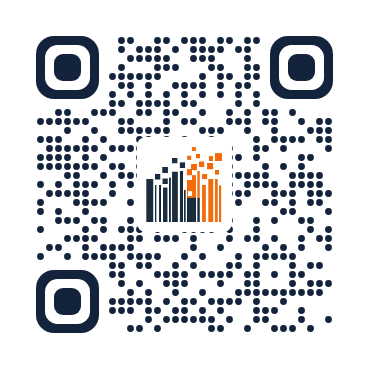
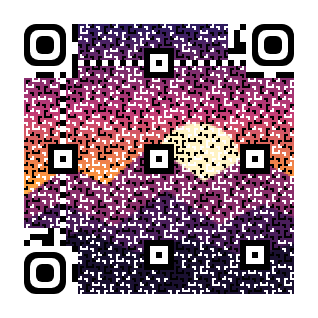
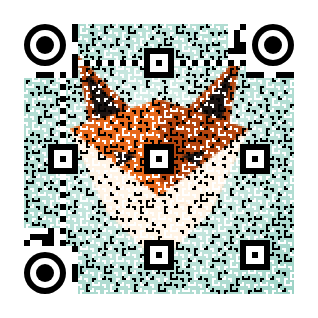
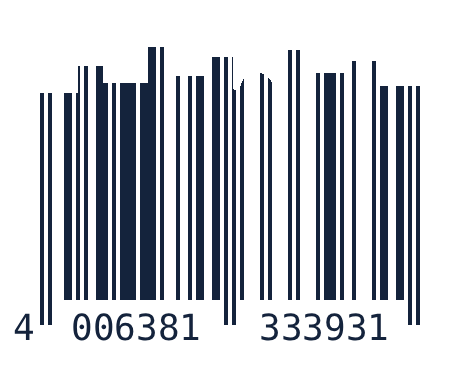
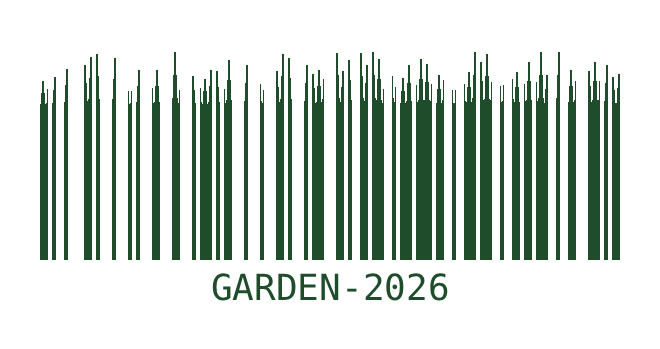
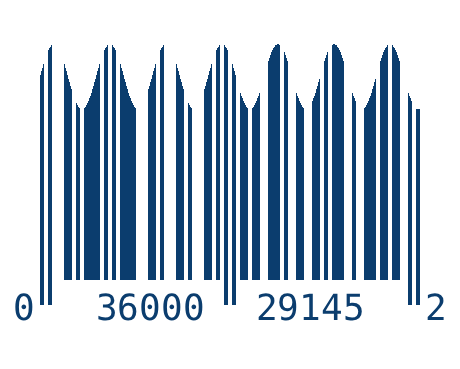
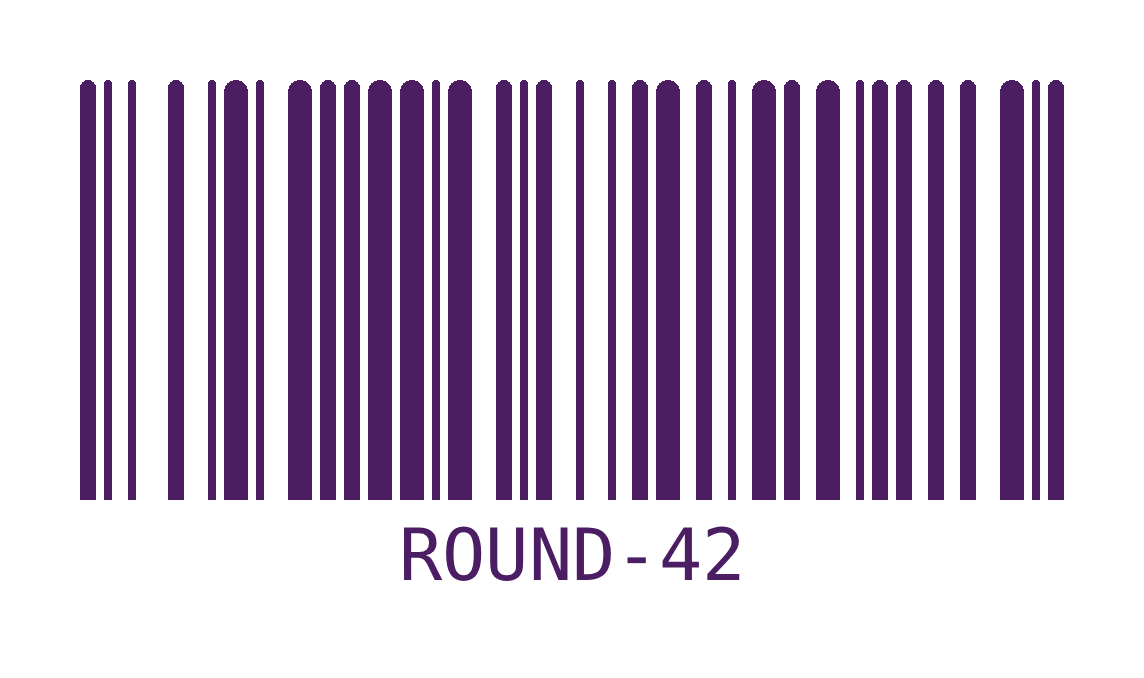
Every example was decoded after rendering – the badge shows which readers read it.

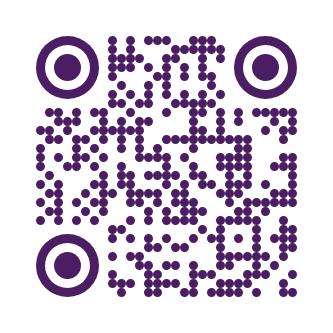

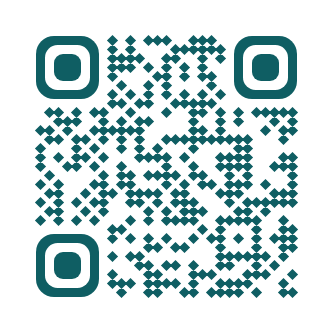

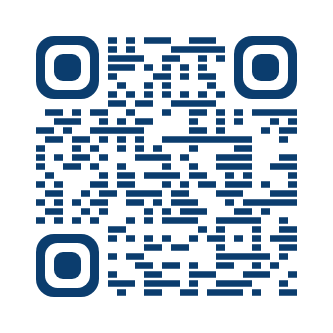

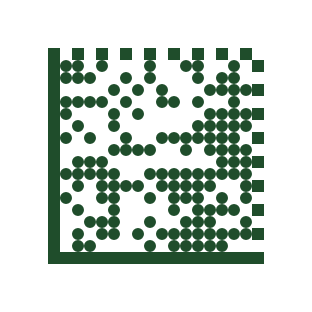





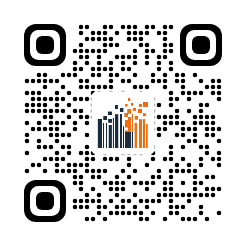
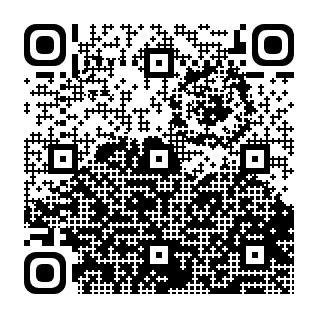
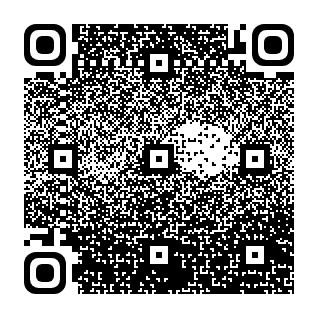
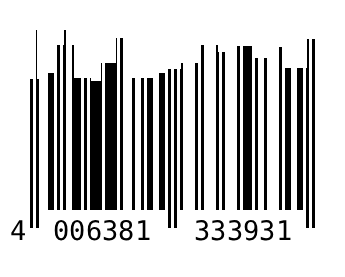
Your own image
Choose a picture or logo, pick the style – the server renders it and checks whether it still scans.
In your .NET code
The same in C# – the label format has the same properties (JSON names in camelCase).
// logo QR: brand mark on a plate, dots and rounded finders
var logo = new Barcode
{
    Symbology = Symbology.QrCode, Code = "https://zplcore.com", Dpi = 300, BarWidth = 9,
    LogoImage = SKBitmap.Decode("logo.png"), LogoSizePercent = 26,
    ModuleShape = ModuleShape.Dot, FinderShape = FinderShape.Rounded,
};

// halftone QR: the picture in the modules (HalftoneColor = false for thermal printers)
var halftone = new Barcode
{
    Symbology = Symbology.QrCode, Code = "https://zplcore.com", Dpi = 300, BarWidth = 6, QrVersion = 7,
    HalftoneImage = SKBitmap.Decode("picture.jpg"), HalftoneStrength = 0.75, HalftoneColor = true,
};

// vanity barcode: a silhouette in the top 38 % of the bars
var ean = new Barcode
{
    Symbology = Symbology.Ean13, Code = "400638133393", Dpi = 300, BarWidth = 4, BarHeight = 260,
    BarArt = BarArt.Image, BarArtImage = SKBitmap.Decode("skyline.png"), BarArtHeightPercent = 38,
};

var check = halftone.CheckReadability();   // Readable, AppliedHalftoneStrength, Findings (AR001–AR010)
File.WriteAllBytes("halftone.png", halftone.ToPng());
string zpl = "^XA" + logo.ToZplGraphic(30, 30) + "^XZ";   // black-and-white ^GFA for the printer
Docs: artistic codes in the documentation · API reference: Barcode · template demo with the example label “Artistic QR codes”.