


Features
Everything that happens between data and label
Create
Template + data (C# objects, JSON, EF Core) → ZPL
Barcode generator
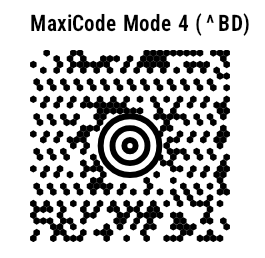
144 symbologies, from Code 128, GS1 DataBar and QR to MaxiCode, DotCode and Han Xin. Output as PNG, SVG, PDF, EPS or ^GFA. GS1 validation included.
Label model
Text, barcode, table, image, RFID in mm or inches. Expressions with element references, validation, AutoFit, duplex with front and back. Multilingual templates with {t:key} and a culture per print job. Save and load as JSON templates.
Data binding
label.For<T>() binds C# objects, EF Core queries and MongoDB or LiteDB documents via LINQ. Plus JSON (JsonElement) and dynamic records. Streaming with constant memory, asynchronously into Stream and PipeWriter.
ZPL optimizer
Shrinks ZPL without changing a single pixel: removes redundant commands and default parameters and recompresses graphics (Hex, ACS, Z64). Verified pixel-identical across the entire reference corpus.
DPI conversion
ZplRescaler converts raw ZPL between 203, 300 and 600 dpi. ZplGraphicEncoder encodes images as Hex, ACS, Z64 or B64 with 5 dithering methods.
Preview & emulation
ZPL/EPL → PNG, PDF, SVG like a virtual Zebra printer
ZPL II renderer
Output as PNG, JPEG, WebP, BMP, GIF, PDF, GRF, HTML, EPS, TIFF (CCITT G3/G4, LZW, Deflate, PackBits, multi-page), PCL (mono, grayscale, color) and ESC/POS with NV logos. Stored formats with ^DF/^XF, graphics, barcodes, fonts.
Vector output
Entire labels as vector SVG and PDF: text as glyph outlines, barcodes and boxes as paths, graphics as 1-bit images. Every SVG element carries its position in the ZPL source. Rasterized back, the output matches the PNG (mean 1.000 at a 2-dot tolerance, 126 labels).
EPL2 renderer
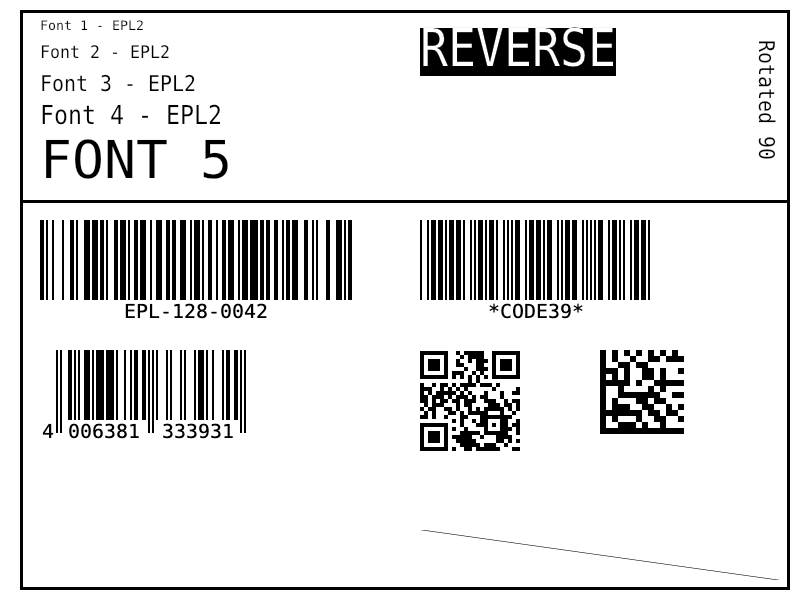
EPL2 runs through the same engine. ToZpl() converts existing EPL forms to ZPL.
Diagnostics & source mapping
Structured diagnostics with stable codes. Every rendered element knows its position in the ZPL source and can be exported as JSON. Safety limits for untrusted ZPL.
Verified accuracy
Automated pixel comparison against printer-accurate reference renderings, averaging 0.986 across 169 test cases. QR Codes (^BQ, model 2) are module-identical with Zebra's printed output – mode selection, version, error correction and mask, checked on more than 3,600 reference symbols. QR model 1 is printed as model 2. Barcode encoders are verified bit-exact against bwip-js.
World scripts
HarfBuzz shaping and bidi for Arabic, Hebrew, Thai, Indic scripts and CJK.
TCP 9100, USB, Windows spooler, CUPS, virtual printer
Print jobs
Leading label, records, trailing label and a cut after the last label, all in one job. Transport via TCP 9100, serial, USB, the Windows spooler or CUPS. ^MM/^MN/^MT, extended ~HQ status, dry run.
Virtual printer
ZplVirtualPrinter listens on TCP 9100, renders incoming print jobs and answers status queries. Test without hardware, optionally with simulated printer faults and a cutter.
Command line
The zplcore dotnet tool renders, converts EPL to ZPL, prints, generates barcodes, formats and diffs ZPL, checks labels (comply, verify, check) and redacts personal data.
TrueType fonts
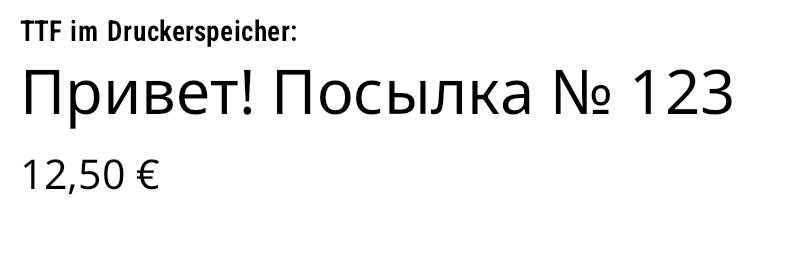
TTF fonts go into printer memory via ~DY or are printed as graphics (PrintAsGraphic).
Data sources
Any data source that delivers C# objects
Data binding works with any IEnumerable<T>, IQueryable<T> or IAsyncEnumerable<T>. Filtering and sorting run in the database, and the labels are streamed. That means every EF Core provider and every database driver with LINQ support works.
Anything C# can read
via EF Core, official .NET drivers or your own objects
- Microsoft SQL Server
- Azure SQL
- PostgreSQL
- MySQL
- MariaDB
- Oracle
- SQLite
- MongoDB
- Azure Cosmos DB
- SAP HANA
- IBM Db2 / Informix
- Couchbase
- Firebird
- Amazon DynamoDB
- RavenDB
- Elasticsearch
- OpenSearch
- LiteDB
- Dapper / ADO.NET
- Entity Framework Core
- C# objects / LINQ
- JSON
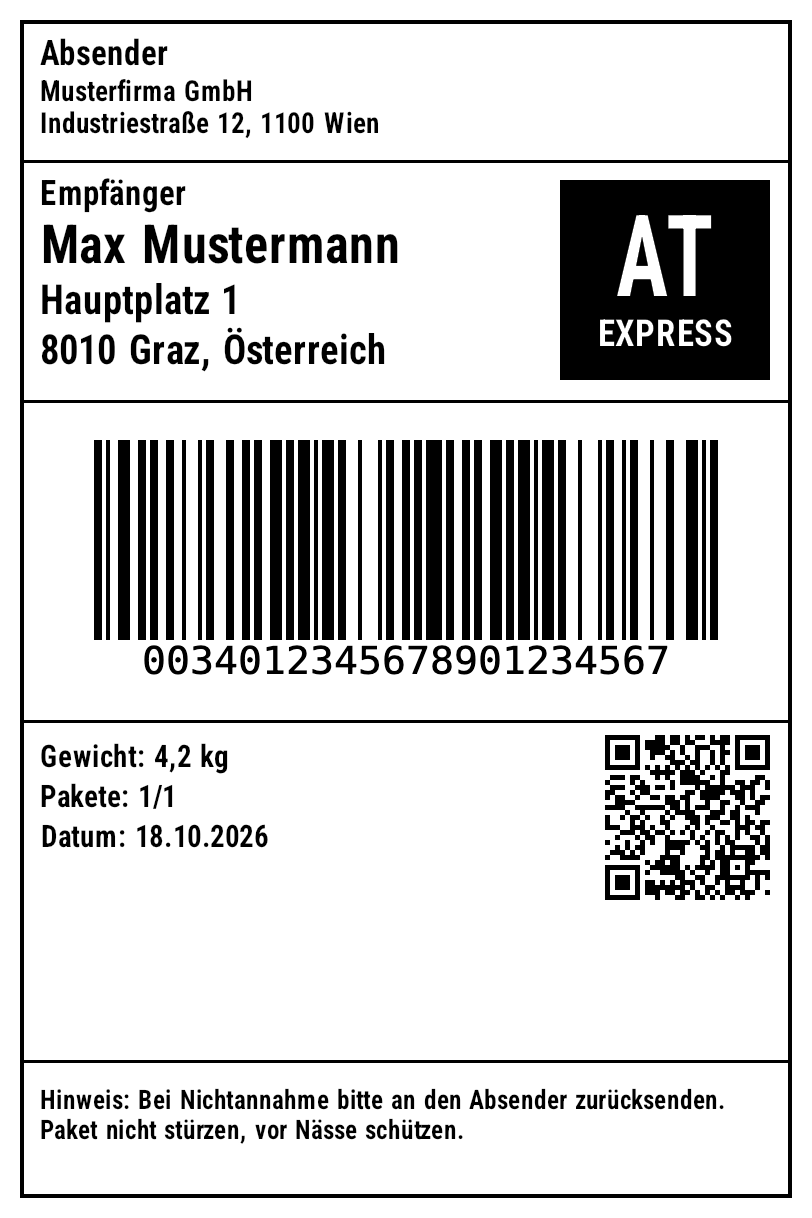
Example: logistics print job → Twelve shipments from SQLite, via EF Core into one print job
World scripts
Arabic, Chinese, Hindi, Korean, Japanese, Russian: shaped correctly
Load a TrueType font into printer memory or print it as graphics. These outputs come straight from the engine.





Code
Three lines of C# to a preview
var renderer = new ZplRenderer(new ZplRenderSettings { Dpi = 203 }.WithLabelSizeMm(100, 150));
List<byte[]> pngs = renderer.ProcessCommands(
    "^XA^FO50,50^A0N,40,40^FDHello World^FS^BY2^FO50,120^BCN,80^FD12345^FS^XZ");
renderer.Settings.OutputFormat = ZplOutputFormat.Pdf;
File.WriteAllBytes("preview.pdf", renderer.ProcessFile("labels.zpl")[0]);
using ZplCore.Labels;
var job = PrintJobTemplate.FromFiles("templates/leading.json", "templates/shipping.json", "templates/trailing.json");
job.JobName = "Tour 7";
job.KeyField = "TrackingNo";          // first/last key on the trailing label
job.CutAfterLastLabel = true;        // cut only after the last label
job.StoredFormatName = "R:SHIP.ZPL";  // template once, then field values only
string zpl = job.For<Shipment>().ToZpl(db.Shipments.Where(s => !s.Printed).Take(50).ToList());
File.WriteAllText("job.zpl", zpl);     // 52 labels in ONE file
# samples/WebApiDemo – ASP.NET Core Minimal API
dotnet run -c Release --project samples/WebApiDemo
# Stream 50,000 shipments from EF Core/SQLite as ZPL
curl 'localhost:5080/api/jobs/db/zpl?country=AT&take=50000' -o at.zpl
# PDF preview from JSON records
curl -X POST 'localhost:5080/api/jobs/preview?format=pdf' -H 'Content-Type: application/json' -d @records.json -o preview.pdf
# Asynchronous via the queue: 202 Accepted, 429 when full
curl -X POST localhost:5080/api/queue -H 'Content-Type: application/json' -d '{"db":{"country":"AT","take":20000},"output":"zpl"}'
var epl = new EplRenderer(new ZplRenderSettings { Dpi = 203 });
List<byte[]> labels = epl.ProcessFile("label.epl");
string zpl = epl.ToZpl(File.ReadAllText("label.epl")); // migrate EPL forms to ZPL

var bc = new ZplCore.Barcodes.Barcode
{
    Symbology = ZplCore.Barcodes.Symbology.Gs1_128,
    Code = "(01)09521234543213(10)LOT42",
    Unit = ZplCore.Barcodes.BarcodeUnit.Millimeter, BarWidth = 0.33, BarHeight = 20,
};
File.WriteAllText("gs1.svg", bc.ToSvg());
One package instead of four
One NuGet package for four jobs
Many .NET teams buy several SDKs just for labels: a ZPL emulator, an EPL emulator, a label designer and a barcode library. zplCore.com covers ZPL rendering, EPL rendering, label design and barcode generation in a single SDK and assembly.
| Use case | Typically | zplCore.com |
|---|---|---|
| ZPL → PNG/PDF preview | ZPL emulator SDK | ZplRenderer |
| EPL2 → image, EPL → ZPL migration | EPL emulator SDK | EplRenderer · ToZpl() |
| Design labels in code, bind data, print | Label designer SDK | Labels.Label · PrintJobTemplate |
| Barcodes as image/vector, GS1 validation | Barcode SDK | Barcodes.Barcode · Gs1 |
Switching from another SDK? zplCore.com is not a 1:1 copy of other vendors' APIs and does not have every feature. Send us your ZPL files and requirements, and we will check coverage before you buy (see also known limitations).